
How the Greene County Court Calendar Works
Court dates in Greene County come from several calendars rather than one countywide list. The Secretary of State publishes annual Circuit and Chancery term schedules. MEC can show a case-specific setting. Only an authorized Greene user can see the docket, though. Justice Court reports jail sessions for initial appearances. Municipal cases depend on the applicable city office or court. The split exists because Greene runs Circuit, Chancery, Justice, Youth, and municipal court functions. None of these routes provides a verified daily court schedule search. The Greene CourtInfo pages offer no date-search field, no setting-type menu, no printable daily calendar, no result limit, and no export tool. For a current court date, trust the last docket entry or a clerk's confirmation over an old term PDF. Youth Court details stay restricted. Do not assume city court settings appear in MEC.
Greene Term Dates and Docket Limits
The 2026 Circuit Court and Terms calendar puts Greene in the Nineteenth Circuit District. Circuit terms begin on the second Monday of February, May, August, and November. Greene terms run three weeks. For the chancery side, the 2026 Chancery Court and Terms calendar assigns Greene to the Sixteenth Chancery District, with one-week terms starting the first Monday of February, April, June, August, October, and December. Remember what a term calendar is. These are annual court-term dates, not a hearing notice for any individual case. Circuit cases can also be set outside the term. The Greene Circuit information lists intermittent out-of-term dates in March, June, September, and December. A term does not promise every case gets called, and continuances happen before a term even begins. The Greene Circuit Court information page is the official local source for the regular-term and out-of-term context behind the court schedule.
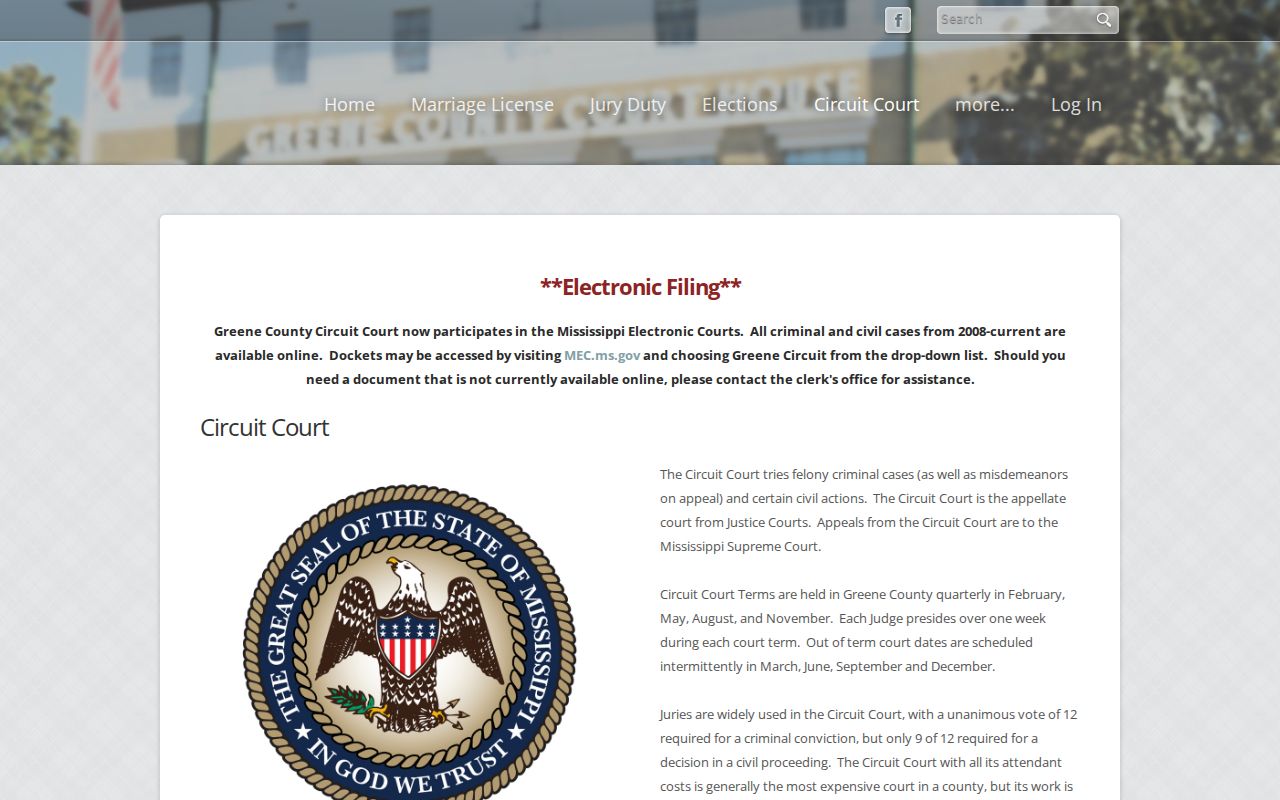
The Greene page puts a term in context, but a specific court date still needs confirmation from the docket or the right court office. Note: The Secretary of State directory warns that court information can change, so confirm Greene term dates before travel or an appearance.
Greene County Court Date Lookups
Begin a Greene County court date lookup with three things in hand: the case number, the court, and the newest notice or docket entry. MEC and PAMEC provide public remote access for an eligible Circuit or Chancery case. A PAMEC account is required for that remote viewing. Greene Circuit electronic cases run through the 19th Circuit. Greene Chancery electronic cases use the 16th Chancery route. Neither official landing page offers a live anonymous daily-calendar search. Clerk and counter options also exist. MEC administrative procedures describe free electronic viewing at the clerk's office during regular business hours, subject to access limits and available equipment. Contact the Circuit Clerk for Circuit matters and the Chancery Clerk for Chancery matters. Justice Court takes its own phone and in-person route. Municipal notices belong with the applicable city office. Leakesville, State Line, and McLain offer no municipal online docket.
- Match the Greene notice to Circuit, Chancery, Justice, Youth, or municipal court before searching for a date.
- For an eligible Circuit or Chancery case, use MEC and an authorized PAMEC account to read the latest docket setting.
- If remote access is unavailable or incomplete, use the free clerk-office electronic-viewing route or call the Greene Circuit Clerk at 601-394-2379 or Chancery Clerk at 601-394-2377.
- For a Greene Justice Court matter, call 601-394-2347 or use the Justice Court office route. Do not rely on an online citation calendar that the county has not published.
- For city traffic or ordinance matters, ask the Leakesville, State Line, or McLain office named on the notice which court keeps the setting.
- Compare any Greene result against the newest notice, then confirm a changed, unclear, or urgent Greene setting with the clerk or court office.
Greene Calendar Channels Need Confirmation
Greene has no verified daily printed calendar and no public daily online calendar. The state term PDFs are published court calendars. They are not a case-specific query service. MEC may hold an eligible setting in the docket once you have PAMEC access. That is why the court, case number, most recent entry date, and source route matter far more than a general web search for a hearing date. Call ahead whenever a docket leaves out a courtroom, time, or location. The county publishes no courtroom map, daily division list, motion-day schedule, or holiday schedule. It also publishes no public-terminal accommodation details and no text and email reminder program. A missing detail is a reason to confirm it. Never guess.
Court Settings: What Each Field Means
A court setting is simply a scheduled event in a case. On a docket entry, Greene can record a date, time, court, judge, location, and event type whenever those fields are public. Not every setting line shows every field, though. Read the newest dated entry along with any attached order or notice. That combination carries the real information. A term start date cannot replace these case-specific details.
| Date | The scheduled Greene court date. Check the most recent entry because a date can change. |
|---|---|
| Time | The listed time, if published. It may identify a docket call or a specific event time. |
| Courtroom or location | The listed location, if shown. The reviewed sources do not provide a complete Greene courtroom map. |
| Judge or court | The assigned Greene court or judge appearing on the docket. Verify a current assignment with the clerk when needed. |
| Setting type | The Greene event label, such as initial appearance, arraignment, motion hearing, plea, trial, or review, when the case record uses it. |
Before contacting the clerk, write down the case number, court, date, setting type, and the date you last checked. With those details, the office can pull the same docket entry instead of relying on a party name alone.
Greene Courtroom Details Need Confirmation
A street address alone will not tell you which hearing room to walk into. Circuit and Chancery sit in the courthouse at 400 Main Street in Leakesville. Justice Court and Youth Court sit at 416 Main Street. Municipal cases are handled in each city's own setting. The courthouse posts no public courtroom chart, floor plan, or daily judge assignment. It also posts no parking guide, security procedure, or accessibility service list for a given hearing. So call the clerk or court office before any Greene appearance. Confirm the building, the courtroom, and the time. Ask about any special instruction the court has given. Landmark status tells you nothing about ramps, terminals, or language help. A notice for your case beats a general address. Back it with a same-day call to the clerk, and it wins every time.
When a Court Date Moves
A Greene court date can move several ways. A continuance, a reset, a cancellation, an out-of-term setting, or another order can each shift it. Greene publishes no local code list and no single continuance procedure that fits every court. Even the term calendar may lag behind the change. The best public check is the latest eligible Greene docket entry. Then call the clerk to confirm the date still stands.
Read silence carefully here. A missing label is not a dismissal and not a final outcome. An older Greene notice can stay in your hand long after the docket moves. So compare its date with the last docket date. If the docket shows a restriction, no recent entry, or a status you cannot parse, ask the Greene court clerk whether an eligible public setting can be confirmed without asking for protected case details.
Greene Docket Flags and Resets
Status flags show up in Greene Circuit CourtInfo entries. You may see ARRAIGNMENT PENDING, PLEA PENDING, TRIAL PENDING, STAYED, APPEAL, or SEALED_CASE. Chancery CourtInfo flags include CLOSED, MEDIATION, GAL, MINOR_CHILD, SEALED, and STAYED. Each flag hints at a case's posture or an access limit. None of them is a hearing date. For that, read the dated Greene docket entry. Read the underlying order too, rather than treating a flag as a calendar result.
A few scheduling terms deserve plain words. A continuance moves a setting once the court approves it. A Greene motion is a request for an order, not a ruling. An arraignment is a criminal proceeding where charges and rights are addressed. A trial-pending flag still requires date confirmation. And a sealed or expunged matter is not available through an ordinary public schedule lookup.
- Term
- A scheduled Greene court period, not an individual case appointment.
- Docket sheet
- The dated sequence of court events and documents for a Greene case.
- Setting
- Placement of a Greene case on a date or term.
- Continuance
- A Greene court-approved move of a setting to another date.
- Initial appearance
- An early Greene Justice Court proceeding after arrest, distinct from a later Circuit Court case.
Missed Settings and What Comes Next
Missed a Greene court setting? Act fast and go straight to the right office. Keep your notice, case number, court, and the last known docket entry in one place. Then contact whichever office the case names, whether that is the Circuit Clerk, Chancery Clerk, Justice Court, or a municipal office. Ask whether a new date, a court instruction, or an attorney contact is needed. A Youth Court matter is different. It must go through the lawful confidential-access route rather than a public docket inquiry.
Missed a Greene setting? A missed setting can have urgent consequences, including a possible bench-warrant issue when the court orders one, so confirm the case status immediately.
Call the Greene court custodian or clerk first, and use the case number to ask about the current setting or any public instruction.
If the matter has counsel, contact that attorney promptly for advice about the next court step and any required appearance.
Greene Justice Court Jail Sessions
Greene Justice Court holds jail sessions three times a week for initial appearances. That gives useful context for an early lower-court proceeding. But the county publishes no exact daily session dates and no searchable Justice Court calendar. A Greene traffic ticket, DUI, misdemeanor, initial felony, or small civil matter belongs at Justice Court. So check there rather than assuming it will surface in the Circuit or Chancery MEC docket.
One more thing from the court itself. The Greene Justice Court page states that online citation payment is not offered. Pay by phone or in person at the Justice Court office instead. If you have a scheduled appearance, confirm the current date, time, and court at 601-394-2347. A city ticket may belong to a municipal court. So follow the court and county named on your notice.
Note: A felony arrest does not create a Greene Circuit file until grand-jury indictment. So a later Circuit date may not exist during the early Justice Court stage.